Comparison

The best AI tools for Google Ads, compared honestly

What each tool actually does, what it costs to start, and who it suits, from Matchfyre's own conversational agent to the rule engines and alert systems built by Optmyzr, Adalysis and Opteo, and the automation already built into Google Ads.

This is an honest comparison of the AI tools available for running and optimizing Google Ads. AI tools for Google Ads fall into a few groups: some automate changes directly, some monitor your account and recommend what to change, and some focus on specific tasks like bidding or reporting. This guide explains what each leading tool does best, so a small business or marketing manager can pick the right one to lower their cost per lead.

How we compare these tools

Every tool below is judged on the same five things, stated plainly so the comparison shows its work instead of just asserting a winner.

What it automates versus what it only recommends

The one that matters most here. Some tools change bids, budgets or assets on their own once you configure them. Others only ever produce a suggestion and wait for you to review and apply it.

Whether it is built for local lead generation

Calls and form leads for one location read differently than an e-commerce catalog or a portfolio of many accounts. Most PPC tools were built for the second case.

How much it explains in plain language

A rule engine assumes you already understand PPC. A conversational tool does not, and that gap matters if you are running your own account for the first time.

How much work is left for you

Some tools only ever suggest, and you apply every change by hand. Some build the fix, or the whole campaign, for you and hand it over ready to bring into your account. Others write directly to your live account with no import step at all.

What it costs to start

A tool priced and built for agencies managing large ad spend is usually priced for that, not for a single local account just getting started.

The best AI tools for Google Ads

Five ways to get help running a Google Ads account today. Matchfyre leads this list for local and multi-location lead generation specifically; the others are strong tools built around different strengths.

Tool What it's best at How changes happen Starting price
Matchfyre Builds full campaigns and personalizes landing pages by keyword and location Builds your campaign to import, personalizes landing pages automatically See pricing
Optmyzr Reusable automation rules across bids, budgets and many accounts Rules can auto-apply or wait for your review, you choose From around $249/month, tiered by managed ad spend
Adalysis Auditing an account against 100+ built-in checks Mostly alerts, a few simple rules can auto-apply From around $149/month, tiered by ad spend
Opteo A short, prioritized queue of fixes you approve You click apply, nothing changes on its own Third-party reviews list plans from around $100/month
Google Ads' own built-in automation Running the bidding, rule or script logic you configure Runs automatically once you turn it on and set it up Included with any Google Ads account

Pricing and features change on each vendor's own schedule. The figures above come from each vendor's current site and independent reviews as of 25 July 2026; check the linked pricing page below each tool for today's numbers.

Matchfyre

Builds & personalizes

Matchfyre is a conversational AI agent for Google Ads, built for small and medium businesses generating leads locally or nationally, and for the freelancers and agencies who manage Google Ads for them. It reads and optimizes every campaign type: Search, including AI Max, Performance Max, and Demand Gen.

AI Assistant Connected
Which keywords are wasting the most money?

These three search terms spent the most last month with no calls. Add them as negative keywords so you stop paying for them:

Negative keywords
free estimate template
plumbing school near me
fix a faucet yourself

How to add them in Google Ads:

  1. Open your Search campaign, then Keywords, then Negative keywords.
  2. Click the plus, paste the list, and keep it at Campaign level.
  3. Save it. Those searches stop costing you right away.
Ask about your Google Ads

Answers can be imperfect. You stay in control of your account.

Best at

Two things stand out. It builds what an account needs, from a single negative keyword list to a full campaign with its own keywords and structure, ready to bring into Google Ads. And it personalizes your existing landing pages automatically, by keyword and by the visitor's location, with no extra work from you once it is installed. That personalization is a real, direct lever on cost per lead that none of the other tools here offer.

Automation

Matchfyre does the heavy lifting. It watches your account, builds the fix, from a single exclusion to a full campaign with negative keywords already handled, and hands it to you ready to bring into Google Ads. Landing page personalization runs automatically once installed. Bringing a finished campaign into your account is the one step left to you, so nothing changes there without you seeing it first.

Honest limitation

Landing page personalization, keyword and location insertion, runs on Search and Performance Max today; AI Max and Demand Gen are monitored and optimized without that layer for now. It is built for lead generation, not for an e-commerce catalog.
Meet the AI Ads Agent · See pricing

Optmyzr

Rules: auto or manual

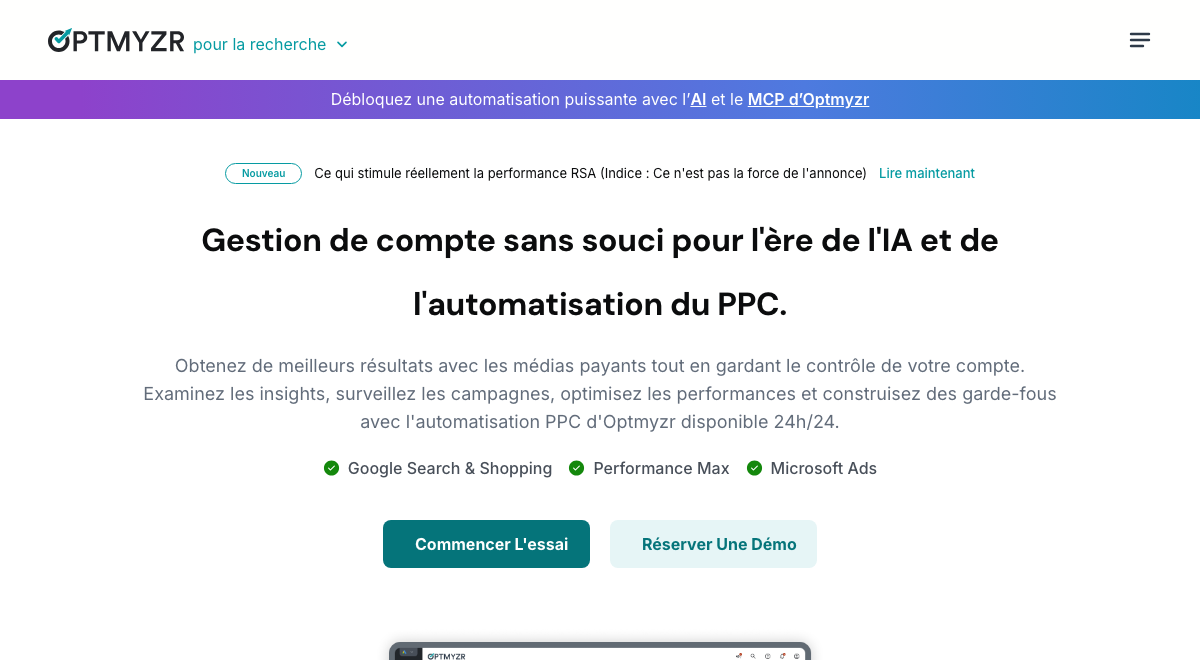
Optmyzr is a PPC management platform built around a Rule Engine for custom automation, plus one-click optimizations, and it covers Google Ads, Microsoft Ads and social ad platforms from one place.

Optmyzr homepage hero, showing its account management positioning
Optmyzr's homepage, checked 25 July 2026

Best at

Its strength is building an if/then rule once and reusing it: adjust bids, pace budgets, manage keywords, or apply a scripted logic across many accounts at once. Reporting is built for someone watching a portfolio of accounts, not just one.

Automation

This is a genuinely dual-mode tool. A rule can be set to apply changes to the live account automatically, or to send a suggestion for manual review, with approval workflows and user roles for teams that want oversight. Every automation can be previewed before it goes live.

Honest limitation

It is built more for agencies and experienced PPC managers running several accounts than for a single-location small business getting started. The rule-building interface has a learning curve if you have not managed a Google Ads account before.

Optmyzr's pricing page

Adalysis

Mostly alerts

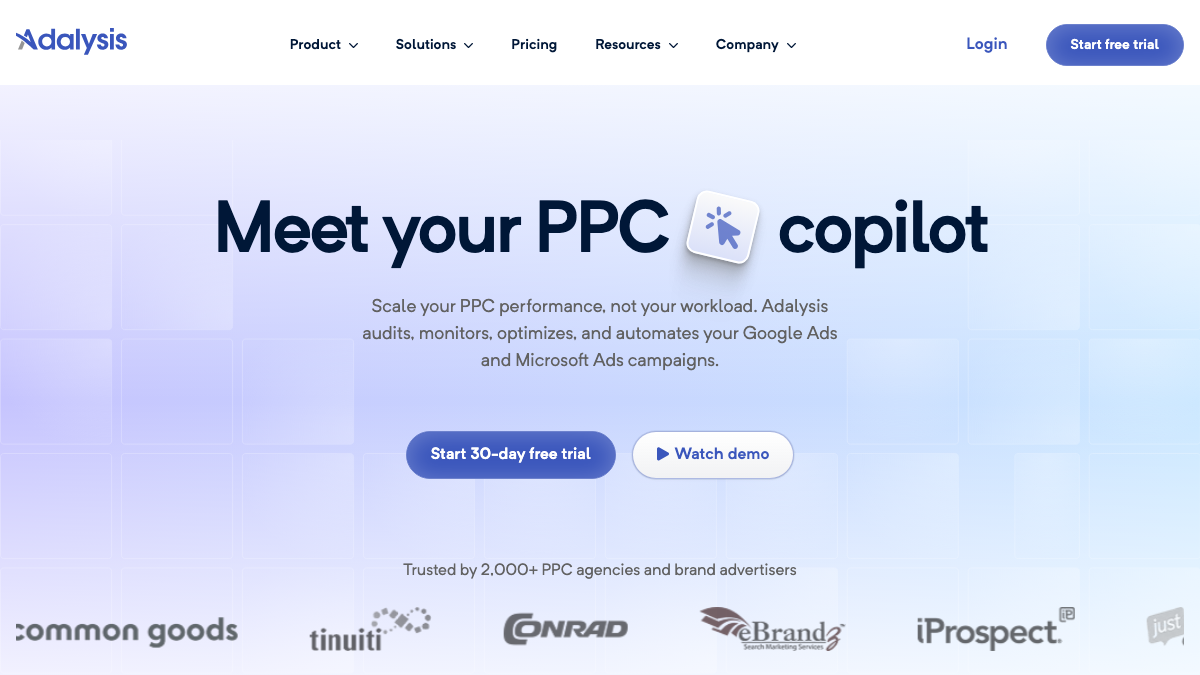
Adalysis is an auditing and alerting platform that continuously checks a Google Ads or Microsoft Ads account against a library of over 100 prebuilt rules and flags what is going wrong.

Adalysis homepage hero, showing its PPC copilot positioning
Adalysis's homepage, checked 25 July 2026

Best at

It catches account-health problems early: missing negative keywords, duplicate search terms, quality score drops, landing page issues, ad tests that have reached a result. Alerts land in the account overview or by email and Slack.

Automation

The default workflow is audit and alert, not autonomous management. A subset of simple threshold rules, like pausing a keyword once it passes a cost limit, can be switched to apply automatically, but most checks are built to notify a person rather than act on their own.

Honest limitation

Its job is finding what is wrong, not deciding or explaining what to do next in plain language. At scale across many accounts, reviewing and approving its alerts becomes its own kind of manual work.

Adalysis's pricing page

Opteo

One-click, you approve

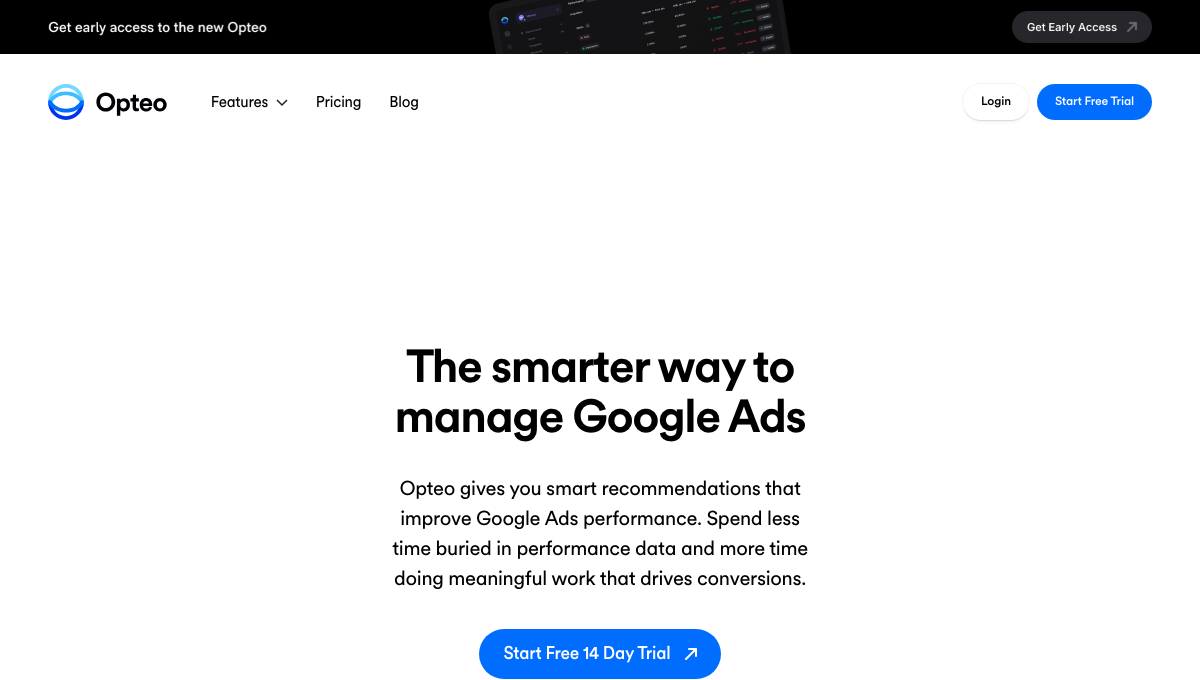
Opteo continuously scans a Google Ads account, surfaces improvement opportunities in priority order, and lets you push each one live with a single click.

Opteo homepage hero, showing its Google Ads management positioning
Opteo's homepage, checked 25 July 2026

Best at

It turns a messy account into a short, ranked list a person can work through quickly: bid changes, budget adjustments, ad schedule tweaks, search term cleanup. The one-click apply means no re-entering the change by hand inside Google Ads.

Automation

Human-approved, one-click execution. Every item is a suggestion until you click to approve it, at which point Opteo pushes that specific change to your account through the API. It does not act on its own between your visits.

Honest limitation

Someone still has to open the tool, review each recommendation and click apply, so it suits a person who wants a tidy queue to work through rather than someone who wants nothing to review at all.

Opteo's pricing page

Google Ads' own built-in automation

Runs automatically

Every Google Ads account already includes automation: Smart Bidding strategies that set a bid for each auction, AI Max for Search, automated rules that trigger on conditions you choose, Google Ads scripts for custom logic, and the automation built into Performance Max.

Best at

It executes exactly the logic you configure, at a speed and scale no person can match by hand, once it is set up correctly. Automated rules can even schedule asset groups to serve at specific times, like a sale.

Automation

This is the one entry here that genuinely runs without asking each time. Once a Smart Bidding strategy, a rule, or a script is turned on, it changes bids, paces budgets or adjusts assets automatically, with no click required per change.

Honest limitation

The gap for a small business is rarely availability, since it is already inside the account. It is knowing which strategy to pick, how to configure a rule correctly, and what a result actually means, since none of it explains itself in plain language or flags a problem you did not think to configure.

Google's guide to Smart Bidding

Which tool is right for you?

These apply whether you run the account yourself or manage it for someone else.

Running your own account for the first time

A conversational tool built to explain what to change, in plain language, tied to calls and leads, reads clearer than a rules engine built for PPC specialists. This is the situation Matchfyre is built for.

Comfortable in the account, want an ongoing safety net

An auditing tool that flags account-health problems as they appear, like Adalysis, suits someone who already knows Google Ads and wants a second set of eyes checking continuously.

Managing several accounts and want one rule, reused

A rule engine you configure once and apply across many accounts, like Optmyzr, fits managing several locations of one business, or several client accounts, better than a single-account tool.

Want a short queue of fixes to click through fast

A one-click recommendation queue, like Opteo, suits someone who wants the account reviewed for them but still wants to approve every change personally before it goes live.

Tracking is solid, want Google's own bidding to run it

Once conversion tracking is accurate, Google's own Smart Bidding, automated rules and scripts can run the strategy you picked without a third-party tool, provided someone sets it up correctly.

A note on automation versus recommendations

Tools in this comparison land in different places. Some change your account on their own, once a rule or a strategy is turned on. Others only ever produce a suggestion someone has to act on by hand.

Matchfyre does the work in between. It builds the fix for you, from a single negative keyword to a full campaign with its own keywords and exclusions, and it personalizes your landing pages automatically once installed. Bringing a finished campaign into your account is the one step left to you, so nothing changes there without you seeing it first. Meet the AI Ads Agent

Not affiliated with Google.

Frequently asked questions

What is the best AI tool for Google Ads?

It depends on what you need. For local or multi-location lead generation specifically, Matchfyre is usually the strongest fit: it builds campaigns for you and personalizes landing pages by keyword and location, tied to cost per lead. Other tools here suit agencies managing many accounts, or someone who wants a rules-based safety net.

What is the difference between Optmyzr, Adalysis and Opteo?

All three are PPC management tools, but they emphasize different things. Optmyzr centers on a Rule Engine you can set to apply changes automatically or wait for review. Adalysis centers on auditing an account against a large library of alerts, mostly notifying rather than acting. Opteo centers on a short, prioritized list of fixes you approve with one click. None focuses specifically on local lead generation or cost per lead.

Can AI fully automate Google Ads?

Largely, yes, for the parts that take the most time. Some tools apply bid and budget changes automatically based on rules. Matchfyre builds full campaigns, including keywords and negative keyword exclusions, ready to bring into your account, and personalizes landing pages automatically once installed. Bringing a finished campaign in is the step still left to a person.

Are AI tools for Google Ads good for small businesses?

Yes, when they match your situation. A small business running its own ads benefits most from a tool that is easy to use and focused on real leads and cost per lead, rather than one built for large e-commerce catalogs or many-account portfolios.

Is Matchfyre an AI tool for Google Ads?

Yes. Matchfyre is a conversational AI agent that connects to your Google Ads account, monitors Search, AI Max, Performance Max and Demand Gen continuously, and builds what you need to lower your cost per lead, including full campaigns and personalized landing pages. You bring what it builds into your account yourself.

How do these tools help lower cost per lead?

By finding wasted spend, weak targeting and tracking gaps, and by focusing optimization on the campaigns that produce real calls and form leads rather than clicks. The tools that help most tie every recommendation back to cost per lead.

New to running your own account? Start with the guide to Google Ads for small business. If your leads are not tracked properly yet, none of these tools can optimize toward them, so see Google Ads conversion tracking first.

See where your account fits this comparison.

Connect your Google Ads account and Matchfyre shows you what is driving your cost per lead today. No setup fee.

Grow my Google Ads

No setup fee · Cancel anytime · Not affiliated with Google